Development / Decision
Client-rendered apps and SEO
Vidpipe taught me where a client-rendered React app stops being fine, and where static HTML needs to take over.
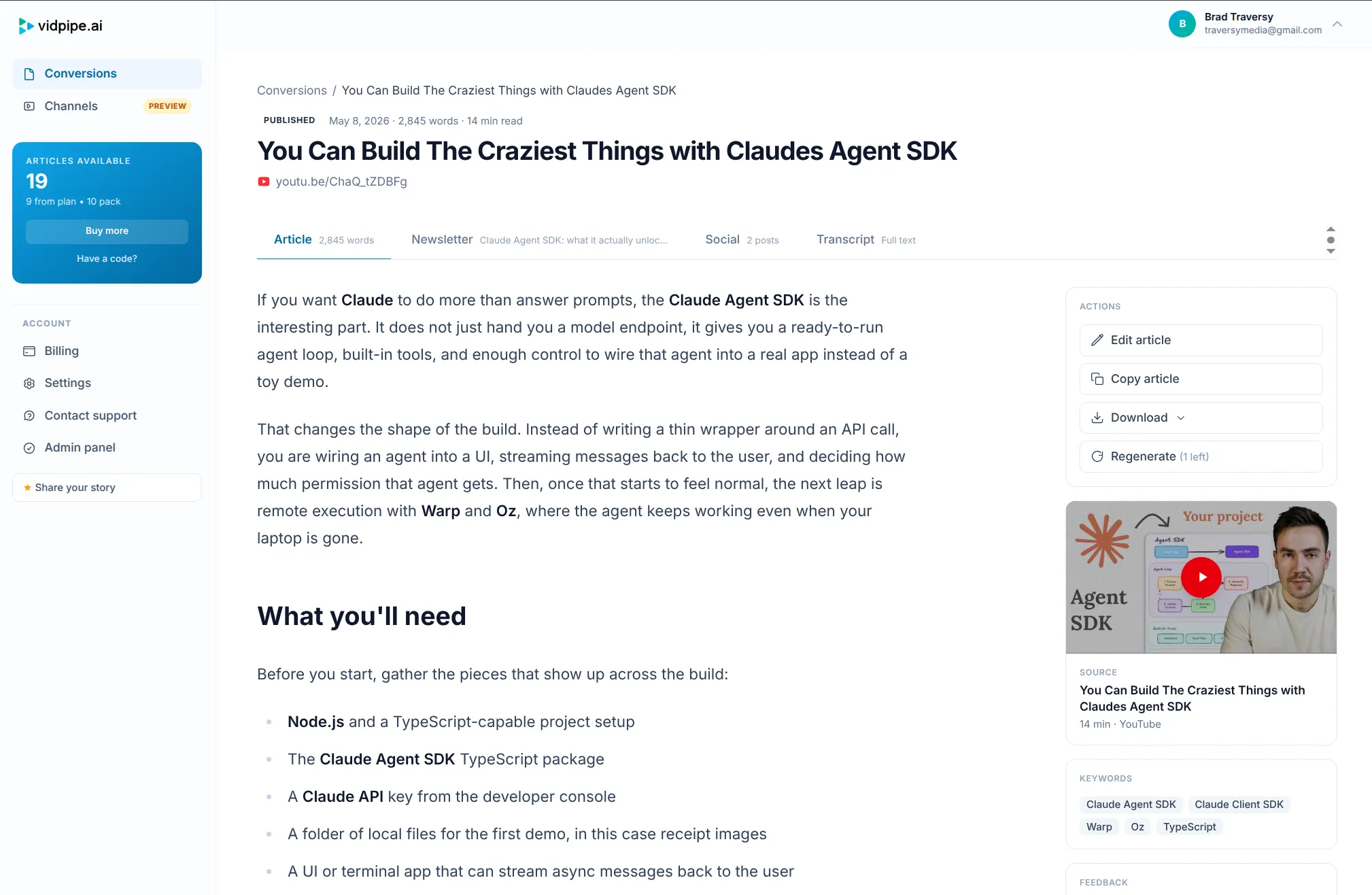
Vidpipe started as an app, not a publication.
Paste a YouTube URL, generate an article, edit it, connect a channel, review new outputs, manage billing. Those are app screens. They have state, authentication, forms, modals, and background jobs. A client-rendered React app is a perfectly reasonable shape for that.
Then the public site grew around it. Homepage, pricing, terms, privacy, and feature pages. Public product pages are not app screens. They are documents with a job: load fast, explain the product, show crawlers the real content, and share cleanly in previews.
That is where the original shape broke down.
The failure mode
The visible site looked fine in a browser. Open the homepage, React booted, the router mounted, and the content appeared. There was no obvious bug.
View the raw HTML and the problem was right there: a root element, a script bundle, and not much else.
For an authenticated dashboard, that is fine. The user is already there. Google is not the audience. A blank app shell that hydrates into the real UI is a normal tradeoff.
For public marketing pages, it is a problem. Crawlers are better at rendering JavaScript than they used to be, but “Google can probably render this later” is not a strategy. Neither are social cards, link unfurlers, small search bots, or the random tool that grabs your page once and never waits for the app.
The page needs to be a page before React starts.
The three real options
-
Migrate the app to an SSR framework
The clean architectural answer from scratch, but too much migration and permanent server-rendering overhead for an established client app.
-
Split marketing into a static site
Clean in theory, but it creates a second app, duplicated design work, and another deployment surface to maintain.
-
Prerender the public routes
Keep the existing app shape, render only the public pages during the build, and save those pages as static HTML.
The third path was the right one for Vidpipe.
Prerendering is not magic
This is not a new rendering model. It is a build step. A script starts a preview server against the built frontend, opens each public route, waits for the app to settle, and writes the resulting HTML to the static output folder.
The important part is the route list. Marketing pages are in. App routes are out.
/          serves real HTML
/pricing   serves real HTML
/privacy   serves real HTML
/dashboard falls through to the app
No database call at request time. No server runtime for the marketing pages. No framework migration.
Canonicals matter more than the script
Prerendering the body was only half the fix. The first pass exposed a different problem: route metadata had been treated like an app concern instead of a document concern.
Some public routes inherited the homepage canonical. Some had thin descriptions. The sitemap only covered a small slice of the site. That is the kind of thing you miss when every page is just “the app.”
01  Unique title
02  Meta description
03  Route-specific canonical URL
04  Open Graph title and description
05  Sitemap entry
That list is boring. It is also the difference between technically rendering a page and publishing a real document on the web.
Client-rendered is still fine
The conclusion is not that client-rendered apps are bad for SEO. Different routes simply have different jobs.
Logged-in dashboard
- Authentication state matters
- Interaction matters
- Loading states are acceptable
- Client routing is a good fit
Public product page
- The first HTML response matters
- Metadata matters
- Social previews matter
- JavaScript should improve the page
Those routes can live in the same codebase. They should not pretend to be the same kind of page.
The rule I kept
If a route is trying to acquire a user, it should be a document first and an app second.
If a route is helping an existing user do work, it can be an app first.
That split is the whole lesson. The mistake was not choosing a client-rendered app. The mistake was letting the marketing pages inherit that choice after their job changed.
Vidpipe did not need a new framework. It needed its public pages to exist before React arrived.