Browse validated skills
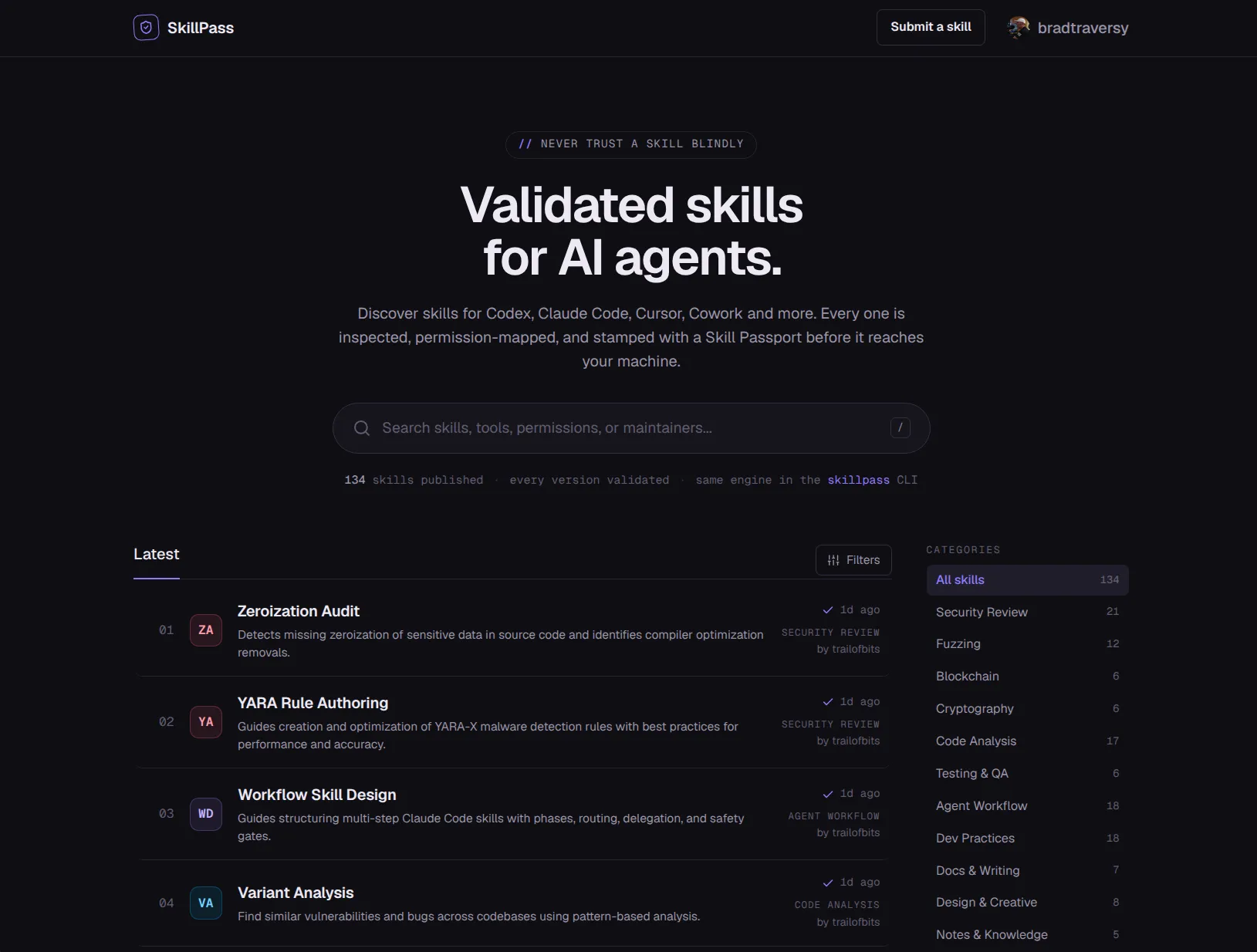
Find skills by tool, category, risk, status, maintainer, or a focused search.
Selected project / Live
A public directory for finding and inspecting reusable AI agent skills before installation.
Why I built it
AI skills are becoming real software artifacts. They package instructions, workflow rules, permissions, tool assumptions, scripts, and setup requirements for agents such as Codex, Claude Code, and Cursor.
The useful part of a skill is also the risky part. SkillPass gives reusable skills an inspection layer that shows what was checked, what was detected, and what still needs human judgment before installation.
Find skills by tool, category, risk, status, maintainer, or a focused search.
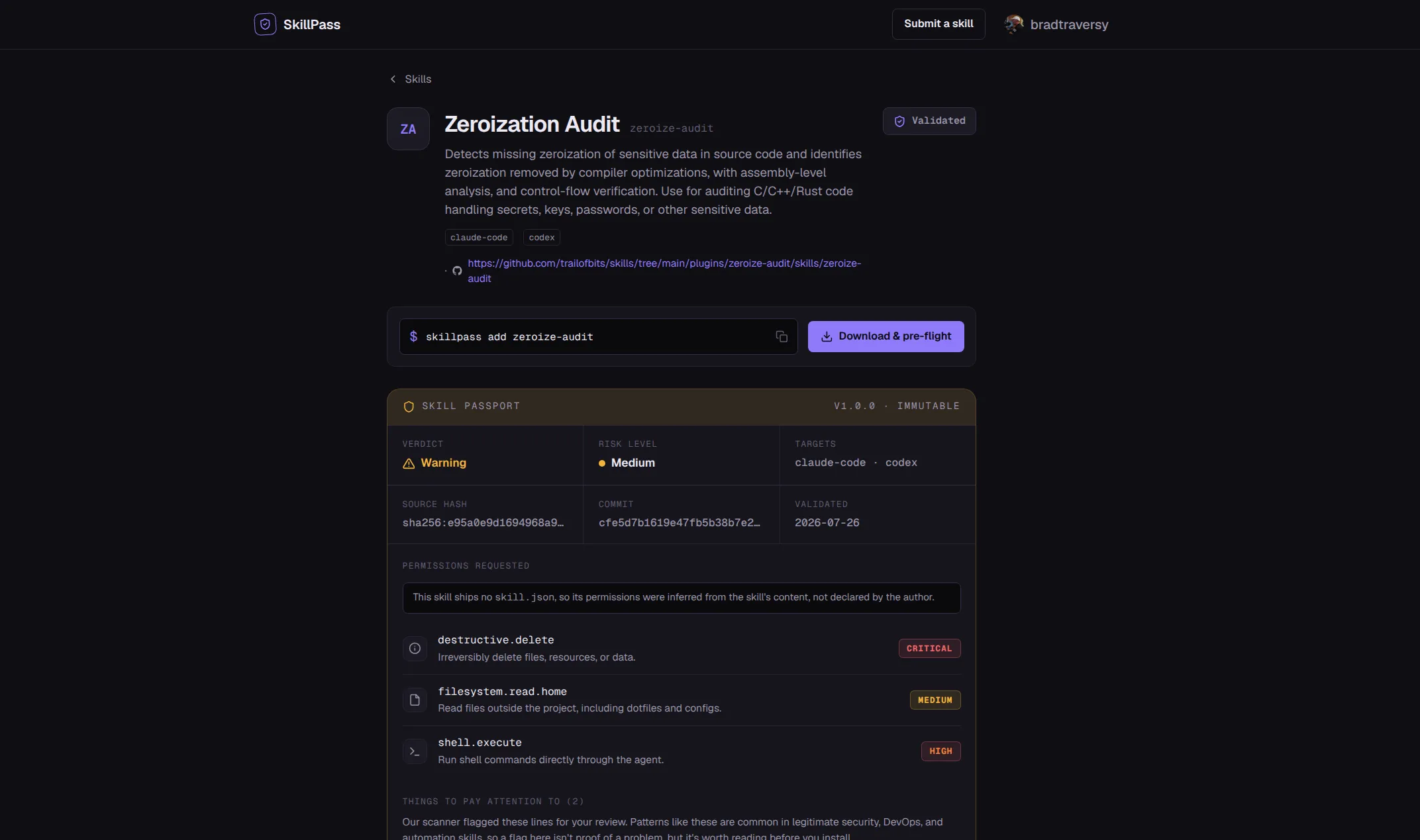
See declared and inferred permissions before a skill reaches your machine.
Review validation warnings, risk, and details that still require human judgment.
Connect a published passport to its source, commit, content hash, and validation date.
Inside SkillPass
Browse by tool, category, risk, status, and maintainer, then open a public passport before installing.
How it is built
Astro and React provide the public experience while the Hono API, validator, database, storage, and job queue handle submissions and passports.
Core stack
Validation flow
Submit sourceA GitHub URL or uploaded package enters the authenticated submission flow.
Validate packageThe validator checks structure, secrets, risky instructions, and undeclared permissions.
Build passportShared schemas capture findings, risk, permissions, source, and version details.
Publish listingThe validated version appears in the directory with warnings kept visible.
Browse the directory
Search the public SkillPass directory and open the passport before adding a skill to an agent.